
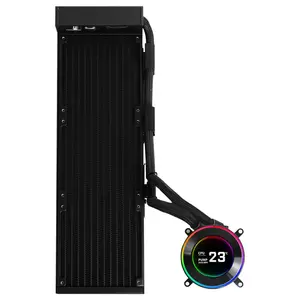
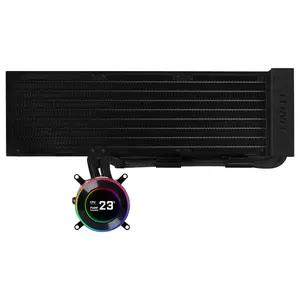
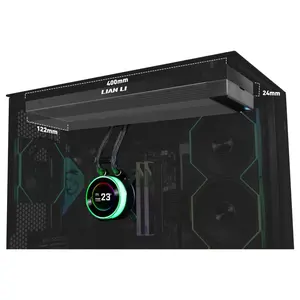
Lian Li Hydroshift II 360 Liquid CPU Cooler Without Fans, 2.1 Inch IPS LCD 480x480, 3 Control Modes, LGA 1851/1700 and AMD AM5/AM4, Black HS2LCD36B
- 360 Liquid CPU Cooler Without Fans
- 2.1 Inch IPS LCD 480x480
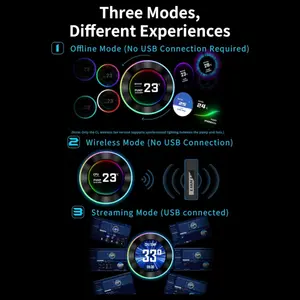
- 3 Control Modes: Offline, Wireless, Streaming via USB
- LGA 1851/1700 and AMD AM5/AM4, Black HS2LCD36B
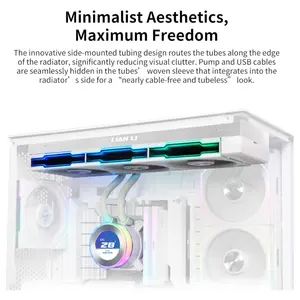
Keep your build clean and organized with the flexible slide-tube clamp coolant pathway that helps route tubing neatly during installation. Customize your setup your way using the 2.1 inch IPS LCD and 3 control modes for quick offline tweaks, wireless control, or full USB customization.
Shipping and Returns
We offer fast and reliable shipping for all our items. Orders are processed within 1-2 business days and shipped via standard delivery, which typically takes 2-5 business days.
Return and Exchange Policy
- We do not accept returns under any circumstances.
- We offer exchanges only if the item is returned in its original, sealed packaging and unused within 2 days of delivery.
- Opened or used items are not eligible for exchange.
- Items purchased as pre-order or back-order cannot be exchanged or returned under any condition.
Product Features
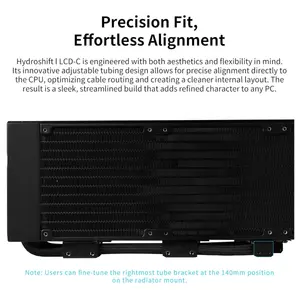
Make installation cleaner and more precise with the flexible slide-tube clamp coolant pathway. The sliding tube clamp helps you align the liquid cooling tubes so the finished build looks organized and intentional. When space gets tight, the clamp can be removed to help with installations that need tighter fan-to-motherboard clearance. This gives you more flexibility to fit the cooler into different layouts without fighting messy tubing.
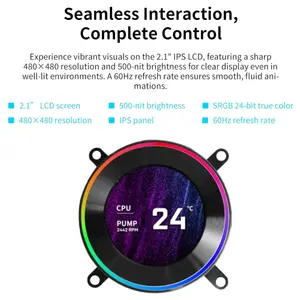
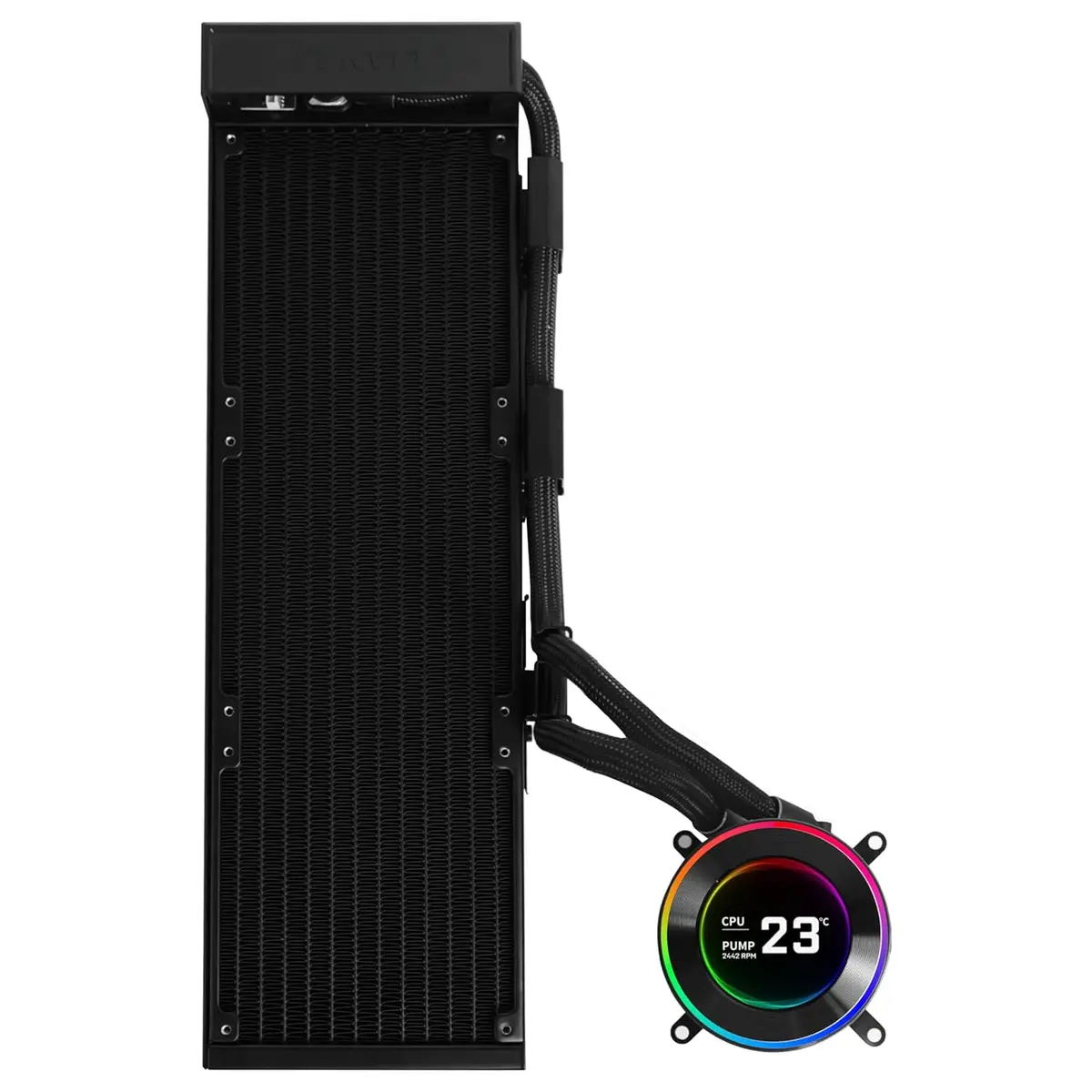
Personalize what you see at a glance using the 2.1 inch round IPS LCD screen with 480x480 resolution. Coolant temperature and pump speed can be displayed for quick status checks while you are gaming or working. With USB streaming mode, the screen can be customized through L-Connect 3 for a more personal look. Support for media formats like MP4 and GIF lets you tailor the display to match your setup.
Choose the control style that fits your workflow with three control modes: Offline, Wireless, and Streaming. Offline Mode lets you adjust LED and LCD content using a rotatable cap without a USB connection, which is handy for quick changes. Wireless Mode enables remote adjustments to screen hardware info, background themes, and cap lighting effects using the L-Wireless Controller while syncing with other LIAN LI wireless devices. Streaming Mode connects via USB for full customization through L-Connect 3 software.
Rely on durable and flexible tubing designed for long-term use. Constructed with server-grade corrugated tubing, the HYDROSHIFT II LCD-C is built for improved bendability and durability. This helps the tubing route more easily during installation while staying dependable over time. The result is a setup that is easier to manage and built to last.
Product Specifications
Brand and Model: Lian Li Hydroshift II 360 (HS2LCD36B)
Product Type: Liquid CPU Cooler Without Fans
Color: Black
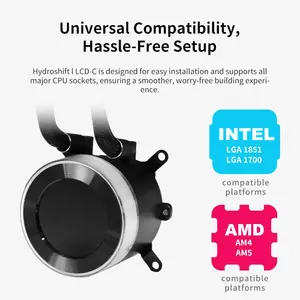
Socket Support: LGA 1851/1700, AMD AM5/AM4
LCD Display: 2.1 inch Round IPS LCD
LCD Resolution: 480x480
Control Modes: Offline Mode, Wireless Mode, Streaming Mode
Offline Mode Controls: Rotatable cap adjusts LED and LCD content without USB
Offline Mode Display: Coolant temperature and pump speed
Wireless Mode: Adjust screen hardware info, themes, and cap lighting effects
Wireless Mode Requirement: L-Wireless Controller
Streaming Mode: USB connection for full customization via L-Connect 3
Streaming Mode Media Support: MP4 and GIF
Tubing: Server-grade corrugated tubing
Tube Management: Sliding tube clamp for alignment, removable for tighter clearance
Compatibility Note: Fits most PC fans
USB Connection Setup Tip: If USB is not detected, set connected PWM port (CPU_FAN or AIO_PUMP or PUMP) to PWM/DC mode instead of Auto and set the port to full speed